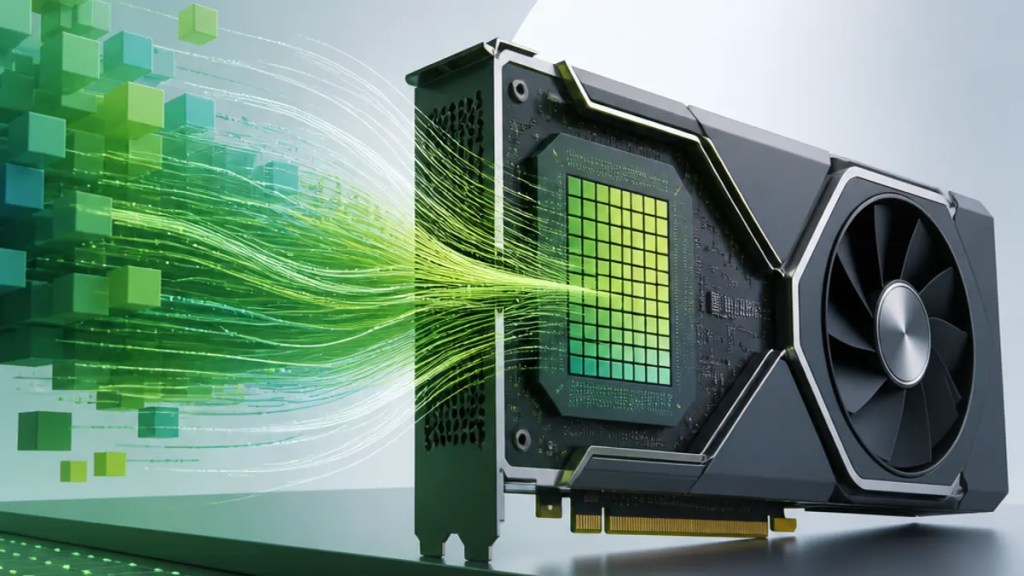
Meta description: NVIDIA cuda.compute topped the GPU MODE kernel leaderboard. Here’s what it means for GPU performance, AI work, and everyday users.
If you do not write GPU code for a living, news about a kernel leaderboard may sound far removed from daily life. But it matters because the same kind of low-level GPU work helps power AI tools, graphics-heavy apps, scientific software, and many tasks that depend on fast parallel processing.
NVIDIA cuda.compute recently took the top spot on the GPU MODE kernel leaderboard, according to NVIDIA’s technical blog. In simple terms, that means NVIDIA is highlighting strong results for a CUDA-based compute workload in a public performance ranking focused on GPU kernels, or the small chunks of code that run directly on a graphics processor.
Quick Summary
NVIDIA says NVIDIA cuda.compute reached the top of the GPU MODE kernel leaderboard.
For regular users, that suggests NVIDIA is emphasizing strong GPU performance in compute-heavy tasks, not just gaming visuals.
For developers and technical users, it points to the importance of CUDA compute, NVIDIA’s platform for running accelerated workloads on its GPUs.
The broader takeaway is that AI and graphics performance increasingly depend on how well these low-level GPU kernels are optimized.

What NVIDIA cuda.compute topping the leaderboard means
The source here is NVIDIA’s own post, titled “Topping the GPU MODE Kernel Leaderboard with NVIDIA cuda.compute”.
From that title alone, the confirmed fact is straightforward: NVIDIA is reporting that its cuda.compute result sits at the top of the GPU MODE kernel leaderboard.
A “kernel” in this context is a compact program that runs on the GPU. These kernels are important because they do the actual heavy lifting in many accelerated workloads. A leaderboard built around kernels is therefore less about broad consumer product rankings and more about how efficiently a GPU software stack handles focused compute tasks.
That makes this closer to a specialized NVIDIA GPU benchmark result than a simple “best graphics card” headline.
Why everyday users should care
Most people will never open a kernel profiler or write CUDA code. Still, this kind of result can matter indirectly.
When companies improve low-level GPU execution, the benefits may show up in tools people actually use: AI features, creative apps, simulations, and other programs that need lots of calculations done at once.
That does not automatically mean every laptop, desktop, or app will suddenly feel faster. A leaderboard result is not the same thing as a full real-world review. But it can signal where engineering effort is going and which software approaches are being tuned for better performance.
For buyers, the practical message is simple: modern GPU value is no longer only about frame rates in games. It is also about compute capability, especially for AI-assisted software.
Why developers and power users may pay closer attention
For technical readers, CUDA compute is central here. CUDA is NVIDIA’s platform for running general-purpose computing tasks on GPUs, not just drawing graphics.
So when NVIDIA highlights a top kernel leaderboard position, it is also making a point about its software ecosystem, not only its hardware.
That matters because GPU speed often depends on the full stack:
- The GPU hardware
- The driver and runtime software
- The kernel implementation
- The surrounding developer tools
A strong kernel result suggests that the software path is highly tuned for that workload. For AI developers, researchers, and performance-minded creators, that can be just as important as raw chip specifications.
What this does not necessarily mean
It is worth keeping expectations grounded.
The available source does not, by itself, confirm how much faster NVIDIA cuda.compute is than every competitor in every workload. It also does not prove that all AI apps, games, or rendering tools will perform the same way as a leaderboard kernel test.
In other words, this is a useful signal, but not a complete buying guide.
Users should read it as evidence of strong performance in a specific benchmark context, not as a blanket statement about every GPU task.
The bigger picture for AI and graphics performance
The reason this story stands out is that the line between graphics and compute keeps getting thinner.
GPUs still matter for visual workloads, of course. But they are now just as important for AI inference, training-related workflows, video effects, simulation, and data-heavy applications. That is why a result like this can fit into a broader conversation about AI and graphics performance.
A top kernel ranking may suggest that NVIDIA continues to focus heavily on the compute side of GPU performance, which is increasingly where many software experiences are headed.
For consumers, that means future GPU discussions may keep shifting away from pure gaming comparisons and toward mixed-use capability: graphics, AI, and accelerated productivity.
Bottom line
The main takeaway is not that one leaderboard instantly settles the entire GPU market.
It is that NVIDIA cuda.compute topping the GPU MODE kernel leaderboard gives NVIDIA a public performance point in a technical area that matters more and more. For everyday users, that may translate into better support for AI-powered and compute-heavy software over time. For developers, it reinforces the importance of optimized CUDA-based workflows in the current GPU landscape.
FAQs
What is NVIDIA cuda.compute in simple terms?
It refers to CUDA-based GPU computing from NVIDIA, meaning work that uses the GPU for calculations beyond standard graphics rendering.
Does topping the GPU MODE kernel leaderboard mean the best GPU for everyone?
Not necessarily. It shows strong performance in a specific benchmark setting, but real-world results can vary by app, workflow, and hardware setup.
Should regular laptop or desktop buyers care about this?
Yes, at least a little. Even if you never use developer tools, better GPU compute performance may help with AI features, creative software, and other demanding apps.
Sources
- NVIDIA Technical Blog: Topping the GPU MODE Kernel Leaderboard with NVIDIA cuda.compute
Internal link suggestions
- A beginner’s guide to how GPUs help AI apps run faster
- CUDA explained: what NVIDIA’s compute platform does
- How to read GPU benchmarks without getting misled

