Meta description: Learn when to use NVIDIA Multi-Instance GPU vs locality domains for faster data processing, lower costs, and better performance.
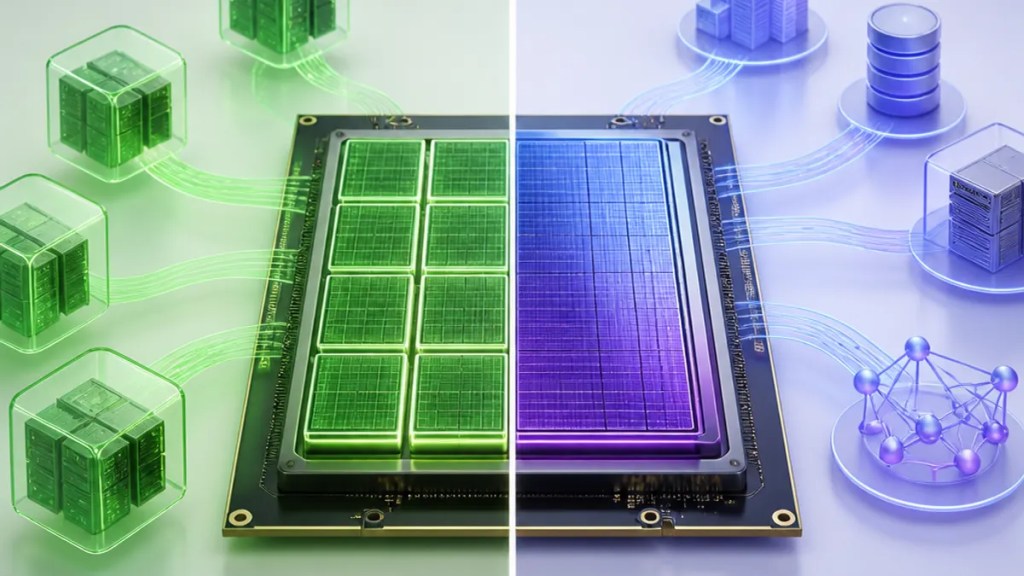
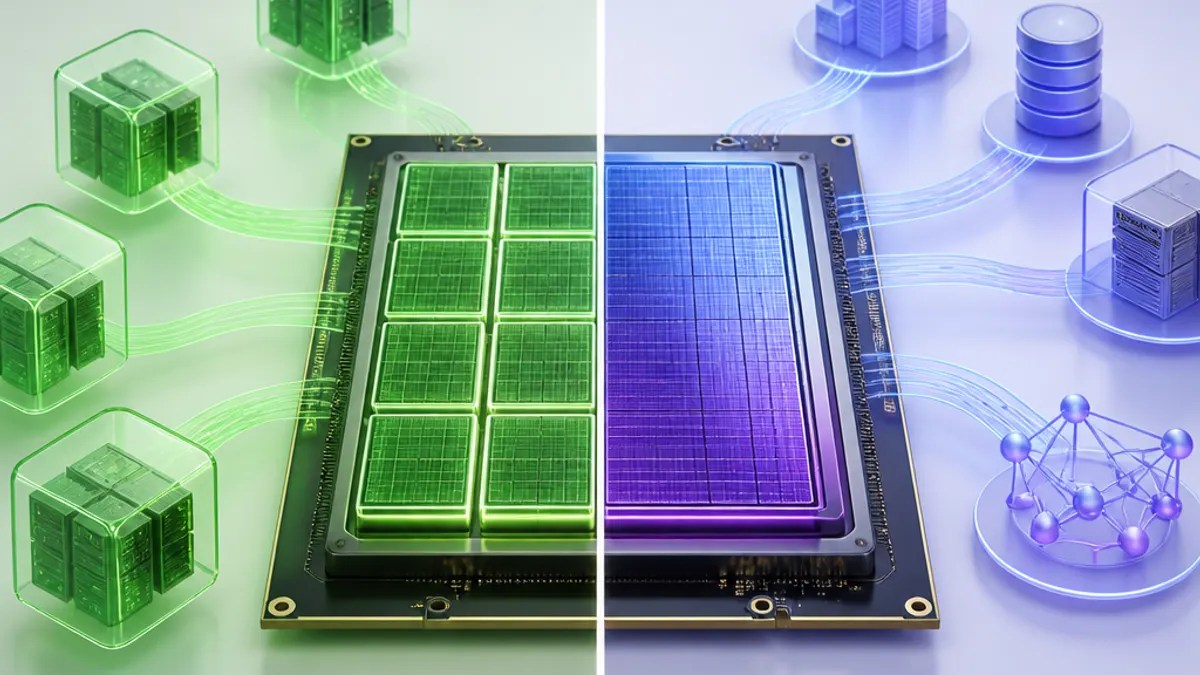
When teams want to speed up analytics, AI pipelines, or database-style workloads, the GPU is only part of the story. How that GPU is shared, and how close it is to the CPU and memory handling the data, can make a real difference. That is why the question of NVIDIA Multi-Instance GPU vs locality domains matters: one approach helps divide a GPU into smaller isolated pieces, while the other helps keep data processing physically closer to the right hardware.
Based on NVIDIA’s technical blog, these two ideas are not direct replacements for each other. In many cases, they solve different bottlenecks.
Quick Summary
If you need to split one GPU across multiple jobs or users, NVIDIA MIG is the better fit.
If you need to reduce delays caused by data moving between CPU memory and the GPU, locality domains—hardware-aware placement that keeps work near the right NUMA node, or local memory region tied to a CPU socket—may help more.
In short:
- Choose NVIDIA MIG for GPU partitioning
- Choose locality domains for NUMA node localization
- Use both together when you want better sharing and better placement for accelerating data processing

What NVIDIA MIG actually does
NVIDIA Multi-Instance GPU, usually shortened to NVIDIA MIG, lets one physical GPU be split into multiple smaller GPU instances. Each instance gets its own dedicated slice of GPU resources.
In plain terms, that means one large GPU can serve several workloads at once instead of sitting underused while one task runs.
According to NVIDIA, this is useful for data processing because many jobs do not need an entire GPU. By partitioning the device, organizations can improve utilization and run more work in parallel. That can be attractive for shared environments, including systems where multiple users or services need predictable access to GPU resources.
For readers less familiar with the term, GPU partitioning simply means dividing one GPU into smaller, isolated chunks.
What locality domains do
Locality domains focus on where data lives and which processor accesses it. In systems with multiple CPU sockets, memory is often arranged in NUMA form—short for non-uniform memory access. That means some memory is “closer” to a given CPU than other memory, so accessing the wrong memory can take longer.
NVIDIA’s post discusses NUMA node localization, meaning software places work and data near the CPU and GPU that will actually use it.
Why does that matter? Because data processing performance is not just about raw compute power. If data has to travel farther across the system, the GPU may spend more time waiting. Locality-aware placement can reduce that overhead.
For everyday readers: locality domains are about putting the job in the best seat in the house, close to the hardware it depends on.
NVIDIA Multi-Instance GPU vs locality domains: the core difference
The easiest way to think about NVIDIA Multi-Instance GPU vs locality domains is this:
- MIG answers: “How should I divide the GPU?”
- Locality domains answer: “Where should I place the work and data?”
That is why they are complementary.
MIG improves sharing and isolation on the GPU itself. Locality domains improve the path between CPU, memory, and GPU. If your problem is wasted GPU capacity, MIG is the stronger choice. If your problem is data movement and memory placement, locality domains may have the bigger impact.
When to choose NVIDIA MIG
Choose NVIDIA MIG when:
- Several workloads need to share one GPU
- Jobs are smaller and do not require a full device
- You want stronger isolation between workloads
- You are focused on GPU workload optimization through better utilization
This can be especially helpful in multi-tenant or mixed-workload setups, where one team’s job should not consume the whole accelerator.
When to choose locality domains
Choose locality domains when:
- Data movement between CPU memory and GPU is a bottleneck
- Your server has multiple CPU sockets or NUMA nodes
- You want to improve data processing performance by placing tasks more carefully
- The workload is sensitive to memory access delays
In these cases, better locality can help the system spend less time moving data around and more time processing it.
When using both makes sense
NVIDIA’s discussion suggests these techniques can work well together.
A team may use NVIDIA MIG to carve a GPU into several instances, then use locality-aware scheduling so each workload is placed near the right CPU and memory. That combination can support better sharing without ignoring the importance of system layout.
So the choice is not always one or the other. For many real-world deployments, the best answer may be both.
Final takeaway
For accelerating data processing, the right choice depends on what is slowing you down.
If the issue is poor GPU utilization, start with NVIDIA MIG.
If the issue is data placement and memory access across a NUMA system, start with locality domains.
If you need both efficient sharing and smarter placement, combining them may deliver the best result.
FAQs
Is NVIDIA MIG the same thing as locality domains?
No. NVIDIA MIG splits a GPU into smaller isolated instances. Locality domains deal with placing work and data close to the CPU, memory, and GPU that will use them.
Which is better for faster data processing?
It depends on the bottleneck. MIG is better when one GPU needs to serve multiple workloads efficiently. Locality domains are better when system layout and memory access are slowing things down.
Do I have to pick only one?
Not always. Based on NVIDIA’s explanation, MIG and locality-aware placement can be used together, since they improve different parts of the system.
Sources
Internal link suggestions
- A beginner’s guide to NUMA and why memory placement affects performance
- What GPU partitioning means for shared AI and analytics infrastructure
- How to spot data movement bottlenecks in modern data processing pipelines
 techpost