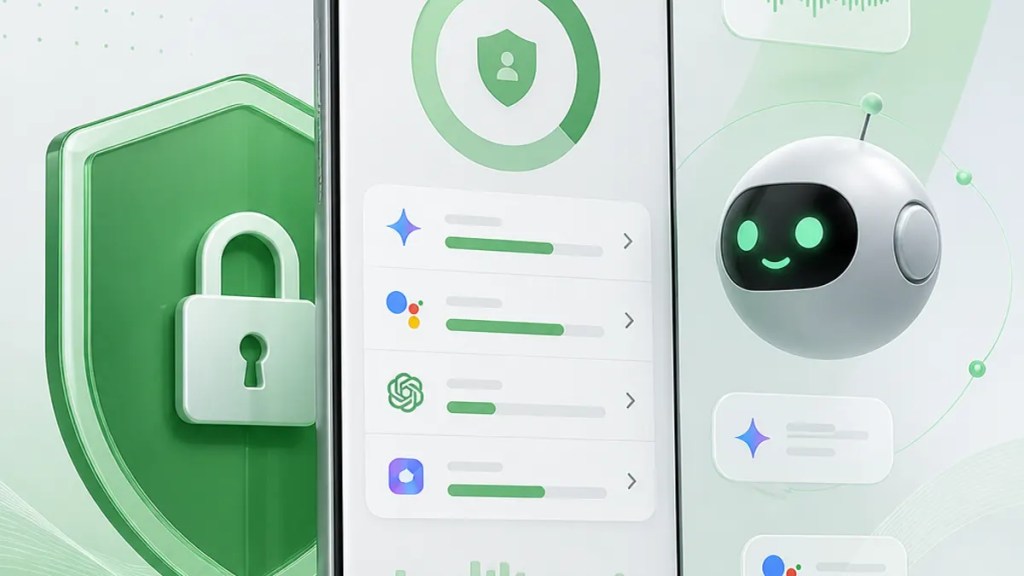
Android’s Privacy Dashboard Will Track AI Assistants
If you’ve been wondering what AI helpers are actually doing on your phone, Android may soon give you a clearer answer. Google is reportedly preparing Android AI assistant activity logs inside the Privacy Dashboard, which could make it easier for you to see when an AI agent accesses sensitive parts of your device.
That matters because AI features are starting to feel less like single-purpose tools and more like digital middlemen. They can summarize, search, suggest, and act across apps. Convenient, yes — but also harder to follow. This update looks aimed at making that activity more visible instead of leaving you to guess.
Quick Summary
Android is expected to add AI assistant-related records to the Android Privacy Dashboard.
In plain English: if an AI assistant or AI agent uses permissions on your phone, Android may show that activity in the same area where you already check things like camera, microphone, and location access.
The point is simple: better visibility. If AI tools are doing more on your behalf, you should be able to see when they touch private data.
What Google appears to be adding
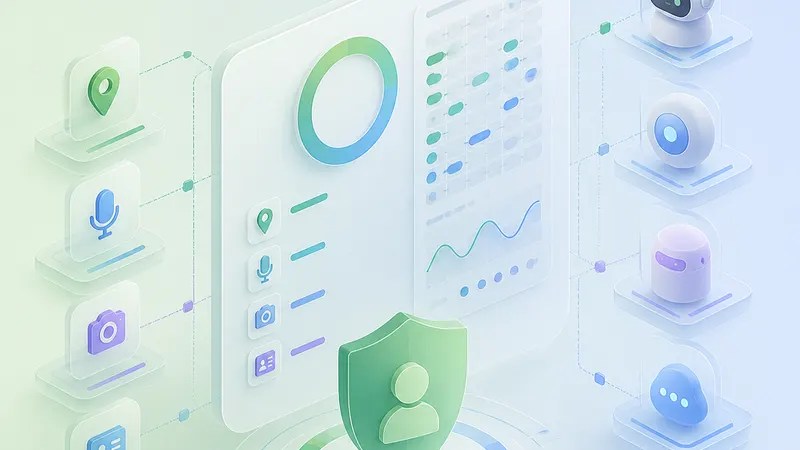
According to reporting from Android Authority, Google is working on new tracking features for AI agents in Android’s Privacy Dashboard.
Privacy Dashboard is Android’s built-in privacy screen that shows which apps have recently accessed permissions such as your mic, camera, or location. The reported change would expand that idea to cover AI assistant behavior too.
That doesn’t necessarily mean Android is suddenly spying more. It sounds more like the opposite: the system may log what AI assistants are doing so you can review it later.
This is an important distinction. A lot of people hear “activity logs” and think “more tracking.” But in this case, the feature appears intended as a transparency tool inside Android privacy controls.
Why this matters to regular users
The big shift is that AI agents on Android may increasingly do things that feel one step removed from a normal app tap.
If you open a maps app yourself, it’s obvious what happened. If an AI assistant pulls information, checks something in another app, or uses a permission in the background to complete a task, that can be harder to spot in the moment.
That’s where AI assistant tracking inside the Privacy Dashboard could help. Instead of treating AI as a fuzzy layer floating above the phone, Android may start showing it as something accountable — something with visible actions.
For users, that means a few practical benefits:
- You may get a clearer record of when an AI tool accessed sensitive permissions.
- It could become easier to tell whether an assistant did something you expected.
- You may have a better shot at spotting unusual behavior.
None of that guarantees perfect clarity, of course. A log is only useful if it’s easy to understand. But even basic visibility would be a meaningful step for Android privacy as AI features spread.
What this could mean for Google’s AI push
Google has been steadily weaving AI into Android, so this fits a broader pattern of adding more Google Android AI features while also trying to answer the obvious privacy question: what exactly is the assistant doing?
That question is becoming harder to ignore. The more capable AI becomes, the less comfortable many people are with vague permissions and invisible background activity.
A privacy dashboard that includes AI actions would suggest Google knows trust can’t rely on branding alone. If AI is going to act on your behalf, users will likely want a paper trail — or at least a phone-friendly version of one.
What’s still unclear
Right now, the reporting points to a feature in development, not a fully explained public rollout.
Based on Android Authority’s report, Android is getting AI agent tracking features, but some practical details may still be unresolved or simply not public yet.
For example, it’s not yet clear:
- exactly which AI assistants will appear in the logs,
- how detailed those records will be,
- whether users will be able to manage or delete those entries,
- or when the feature will arrive broadly.
So if you’re looking for a complete user manual already, it isn’t here yet. For now, the safest reading is that Android is expected to make AI activity more visible through the existing privacy interface.
What you should watch for when it arrives
Once this feature shows up on devices, the smartest thing you can do is treat it like a new kind of receipt.
Check whether the assistant activity lines up with what you asked it to do. If an AI tool needed the microphone because you used voice input, that makes sense. If you notice access that doesn’t match your habits, that’s the kind of thing the Android Privacy Dashboard is supposed to help you catch.
It may also change how people think about convenience. AI assistants are easiest to love when they save time. They’re easier to trust when you can verify what happened afterward.
That’s really the heart of these reported Android AI assistant activity logs: not fear, not hype, just a better window into what your phone’s smarter features are doing behind the scenes.
FAQs
Will Android show everything an AI assistant does?
Not necessarily. The reporting suggests Android will add AI assistant or AI agent tracking to Privacy Dashboard, but the full scope of what gets logged has not been publicly detailed.
Is this the same as Android tracking me more?
It appears to be more about transparency than extra surveillance. The feature reportedly logs AI assistant activity so users can review permission-related actions in the Privacy Dashboard.
When will this feature be available?
A broad release timing was not confirmed in the source reporting. For now, it’s best to treat it as an expected Android feature still in development.
Sources
Internal link suggestions
- Link to your explainer on how the Android Privacy Dashboard works
- Link to your coverage of new Google Android AI features
- Link to your guide on checking app permissions and privacy settings on Android
 techpost