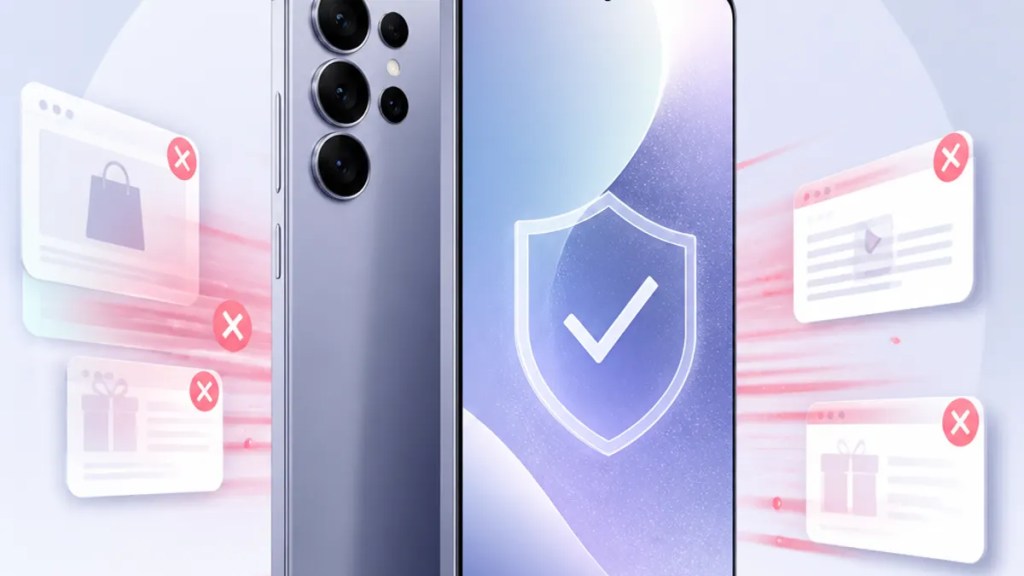
Samsung Galaxy phones now block push ad spam
If you use a Galaxy phone, this is one of those small changes that could make your day a little less annoying. According to Notebookcheck, Samsung Galaxy block ads in push notifications is now part of the picture, which means some ad-like alerts may no longer reach you the way they used to.
That matters because push notifications are supposed to be useful — a message, a delivery update, a reminder — not a back door for spam. For everyday users, this may simply mean fewer junk alerts. For tech-minded readers, it also points to Samsung taking a firmer stance on how Samsung Galaxy push notifications are handled inside its software.
Quick Summary
Samsung Galaxy phones are reportedly starting to block ads delivered through push notifications.
Based on reporting from Notebookcheck, the change is aimed at cutting down on notification spam rather than blocking every kind of ad everywhere on your phone.
In plain English: if an app tries to use notifications mainly to push ads, your Galaxy phone may be better at stopping that clutter.
What changed on Samsung Galaxy phones
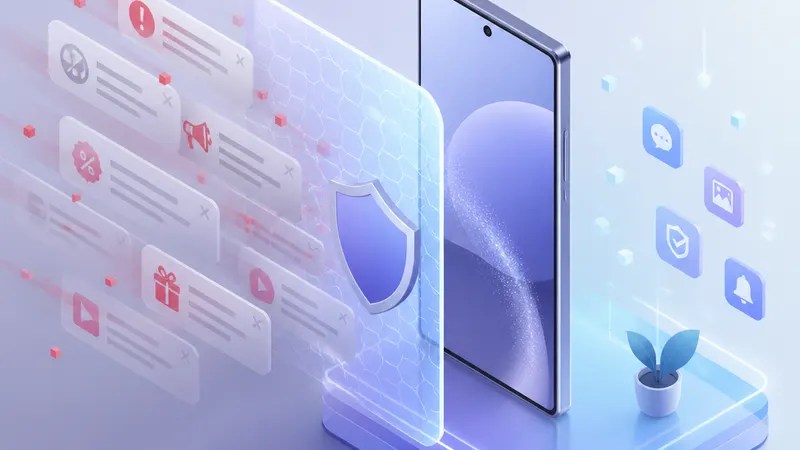
The key shift is simple: Samsung Galaxy devices now reportedly block ads in push notifications, as noted by Notebookcheck.
Push notifications are those pop-up alerts apps send to your lock screen or notification shade. They can be helpful, but some apps use them for promotions instead of actual updates. That is where Samsung notification ads have become a frustration for many users.
This change appears focused on that exact problem. It is not the same thing as full ad blocking in a browser, and it does not mean all marketing messages disappear from every app. Instead, it may reduce the kind of Android ad notifications that feel more like spam than service.
Why this matters if you are not a power user
You do not need to care about software layers or system policies to feel the benefit here.
If you have ever picked up your phone expecting something important and found a random promo instead, you already understand why this matters. Notifications compete for your attention. When too many of them are ads, the useful ones get buried.
That is why this update stands out. Better Galaxy ad blocking in notifications could mean:
- less interruption during the day
- fewer misleading or low-value alerts
- a cleaner notification panel
- more control over which apps deserve your attention
There is also a privacy angle, even if the source does not go deep into technical detail. A tighter approach to Samsung One UI notifications may help limit one of the more intrusive ways apps try to re-engage users.
What to choose and why
This is the practical question behind the headline: if Samsung is tightening up notification spam, what should you choose as a user?
Choose useful notifications, not all notifications
The best setup is usually not “allow everything” or “turn everything off.” It is selective permission.
Keep notifications on for apps that genuinely need them — messaging, banking, delivery, calendars, travel, security. For shopping, games, and many media apps, it is worth asking whether you actually want alerts or whether they mostly drive you back into the app.
Samsung’s reported move helps, but it should work alongside your own choices.
Choose app-level control when available
On Galaxy phones, notification settings are already fairly detailed. That matters because not every alert from an app is equally useful. Some are account-related; others are promotional.
So the smart choice is to review app notification categories when possible and disable the noisy ones first. If Samsung is now doing more filtering in the background, that gives you an extra layer of protection rather than replacing your settings.
Choose Samsung if notification clutter bothers you
For buyers comparing phones, this kind of quality-of-life feature is easy to overlook. But it can shape how pleasant a phone feels after a few months of use.
If notification spam is one of your pet peeves, Samsung’s approach may be a meaningful advantage. Based on Notebookcheck’s report, Galaxy phones may now do more than some users expect to curb ad-heavy alerts.
What this does not necessarily mean
It is worth keeping expectations realistic.
The source supports that Samsung Galaxy phones now block ads in push notifications, but it does not confirm that every ad notification from every app is gone forever. It also does not suggest that all ads across the system are blocked.
So if you still see some promotional alerts, that would not automatically contradict the report. Different apps may behave differently, and some messages may still fall outside whatever Samsung is filtering.
In other words, think of this as a cleaner gate — not a silent phone.
The bigger picture for Android notifications
There has been a long-running tension in mobile software: notifications are useful, but they are also easy to abuse. That is true across Android, not just on Samsung devices.
What makes this story interesting is that Samsung appears to be treating ad-style notifications as a user-experience problem worth addressing directly. For people who live in their notification shade all day, that is not a minor tweak. It changes how noisy the phone feels.
And honestly, that may be the best reason to care. You should not have to babysit your phone just to stop it from advertising at you.
FAQs
Will Samsung Galaxy phones block every ad notification now?
Not necessarily. The reporting from Notebookcheck says Galaxy phones now block ads in push notifications, but it does not confirm that every promotional alert from every app will disappear.
Is this the same as a full ad blocker?
No. This appears to be about Samsung Galaxy push notifications, not ads everywhere on the device. It is different from blocking ads in a web browser or inside apps.
Do I still need to change my notification settings?
Probably yes. Even with better Galaxy ad blocking, your own settings still matter. The best results usually come from turning off notifications for apps that do not need to interrupt you in the first place.
Sources
Internal link suggestions
- A guide to managing notification settings on Samsung phones
- How to reduce spam notifications on Android
- One UI tips that make Galaxy phones less distracting

