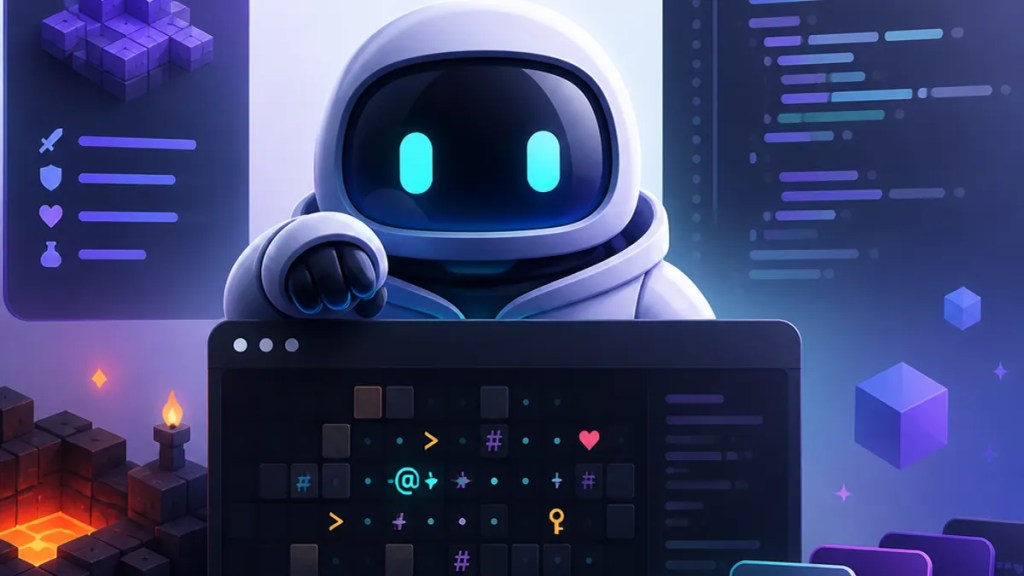
GitHub’s latest GitHub Copilot CLI demo is a neat one because it turns an AI coding tool into something people can picture: a tiny game project, built in the terminal, with procedural generation at the center. If you’ve ever wondered what these command-line AI helpers are actually for, Dungeons & Desktops is the kind of example that makes the pitch easier to understand.
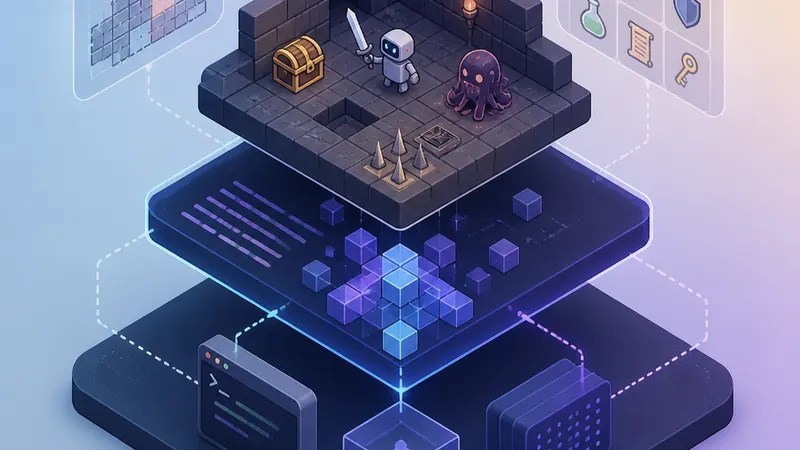
According to the GitHub Blog, the demo focuses on building a procedurally generated roguelike—that is, a game where layouts and encounters are created by code instead of being hand-built room by room. For everyday users, the bigger story is less about one game and more about how GitHub wants Copilot to fit into a developer’s workflow directly from the terminal.
Quick Summary
- GitHub is showcasing Dungeons & Desktops as a demo project for GitHub Copilot CLI.
- The demo centers on building a procedurally generated roguelike in a terminal-based workflow.
- The source provided here does not confirm a specific GitHub Copilot CLI release date in the article.
- What stands out most are the GitHub Copilot CLI features implied by the demo: helping with coding tasks, working from the command line, and supporting iterative building of a software project.
Why this demo matters
A lot of AI coding coverage gets abstract fast. You hear about “productivity” and “agents,” but not always what that looks like in practice.
That’s why Dungeons & Desktops works as a story. A roguelike is a familiar format for developers because it mixes logic, randomness, and repeatable systems. It’s also a useful test for an AI assistant: can it help you shape game rules, generate code, and move through a project in small steps without leaving the terminal?
GitHub’s framing suggests that GitHub Copilot CLI is meant to be more than autocomplete in an editor. It’s part of a broader push to make the command line—a text-based interface many developers already live in—more conversational and more productive.
What Dungeons & Desktops shows about GitHub Copilot CLI features
From the GitHub Blog’s walkthrough, the key takeaway is that the tool is being presented as a hands-on assistant during development, not just a passive suggestion engine.
In plain English, the GitHub Copilot CLI features highlighted by this kind of demo appear to include:
- working from the terminal rather than only inside a code editor
- helping generate or refine code during a live project
- supporting iterative development, where you build, test, adjust, and repeat
- fitting into a workflow that mixes prompts, commands, and code changes
That matters because the terminal is where many real development tasks happen: creating files, running scripts, testing builds, and checking output. If a GitHub AI coding tool can help there, it becomes part of the actual work loop rather than a side panel.
The game angle also helps explain procedural generation in a way that’s accessible. Instead of manually designing every dungeon room, the developer writes rules and systems that create different outcomes. That makes the project a good showcase for code generation and refinement, since the logic can evolve step by step.
What about the GitHub Copilot CLI release date?
If you came here looking for a firm GitHub Copilot CLI release date, the provided source does not appear to give one in the article cited above.
That’s worth saying clearly because a lot of search traffic around developer tools is really release-date traffic. Based on the source set here, GitHub is emphasizing the demo and the workflow more than pinning the story to a newly confirmed launch date. So if you see release-date chatter elsewhere, treat it as unconfirmed unless GitHub publishes a specific announcement.
The bigger picture for non-gamers
You do not need to care about roguelikes to get why this matters.
The real point is that GitHub is using a small, understandable software project to show where AI coding assistants may be heading. A game is just a convenient wrapper. Underneath it, the message is about using natural-language prompts and command-line tools to move faster through coding tasks.
For enthusiasts, that raises practical questions: How much can you trust generated code? How often do you need to step in? Does terminal-based AI help reduce friction, or does it just add another layer?
The GitHub post doesn’t answer all of that on its own, but it does make one thing easier to grasp: GitHub Copilot CLI is being positioned as a workflow tool, not just a novelty demo.
What users should know before reading too much into it
Demos are demos. They are useful because they show intent, but they are not the same as a full product benchmark.
So the safest read on Dungeons & Desktops is this: GitHub is showing how its CLI-based Copilot experience can assist with a creative, system-heavy coding project. That’s interesting whether you build games, scripts, or internal tools. But if you’re evaluating it for your own work, you’d still want details on availability, limitations, and how well it handles real-world codebases.
For now, the clearest confirmed point from the source is the concept itself: a procedurally generated roguelike used to demonstrate what GitHub Copilot CLI can do in a terminal-first development flow.
FAQs
What is Dungeons & Desktops?
It’s a GitHub demo project highlighted on the GitHub Blog that shows a procedurally generated roguelike being built with GitHub Copilot CLI.
Is there a confirmed GitHub Copilot CLI release date in this source?
No. Based on the provided source, the article does not confirm a specific GitHub Copilot CLI release date.
Why use a roguelike to show an AI coding tool?
A roguelike relies on systems, rules, and randomness, which makes it a practical example for showing how an AI assistant can help with iterative coding and project-building.
Sources
Internal link suggestions
- A beginner’s guide to GitHub Copilot and how it works
- Terminal basics for people who don’t code full-time
- What procedural generation means in games and software

