Title: Apple Tap to Pay on iPhone Launches in South Africa
Meta description: Apple’s Tap to Pay on iPhone arrives in South Africa. Here’s how it works, who can use it, and what it means for payments.
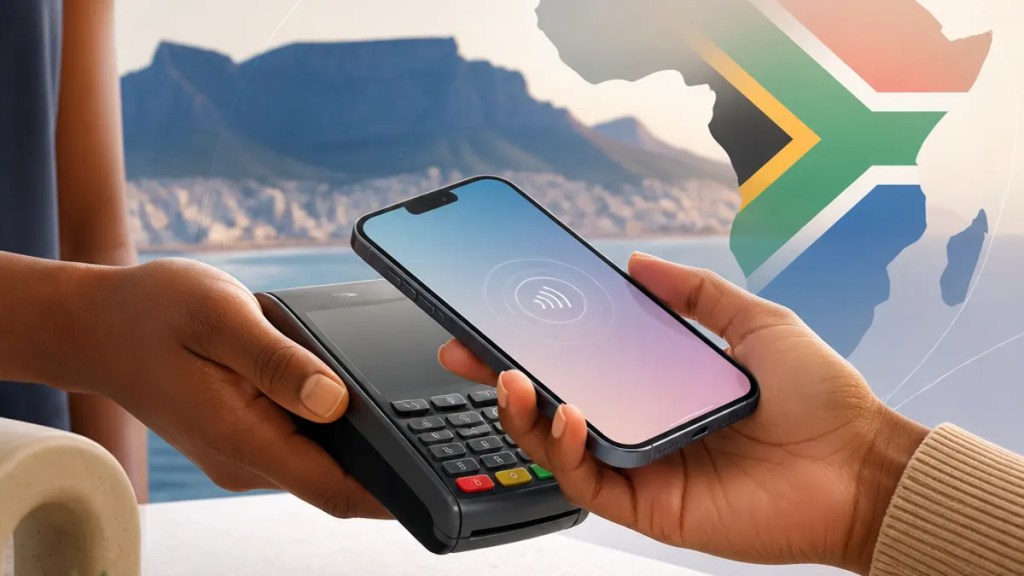
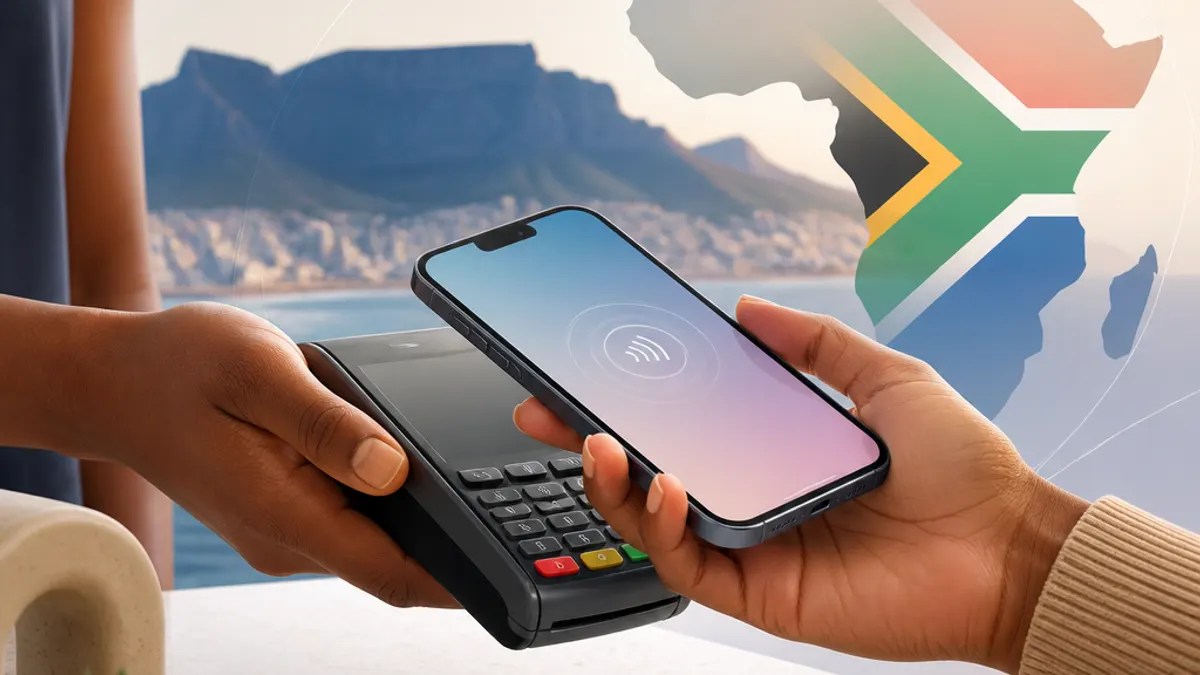
Apple has brought Tap to Pay on iPhone South Africa, giving businesses a new way to accept contactless payments without needing a separate card machine. For everyday readers, the big takeaway is simple: some merchants can now use an iPhone itself to take payments from contactless bank cards, Apple Pay, and other digital wallets.
That matters because it could make card payments easier for small businesses, mobile sellers, and service providers who work outside a traditional checkout counter.
Quick Summary
- Apple has launched Tap to Pay on iPhone in South Africa.
- The feature lets businesses accept contactless payments directly on an iPhone.
- Customers can pay using a contactless card, Apple Pay, or another digital wallet.
- No extra payment terminal is required.
- The service is aimed at businesses through payment platforms and app providers.
What Tap to Pay on iPhone means in South Africa
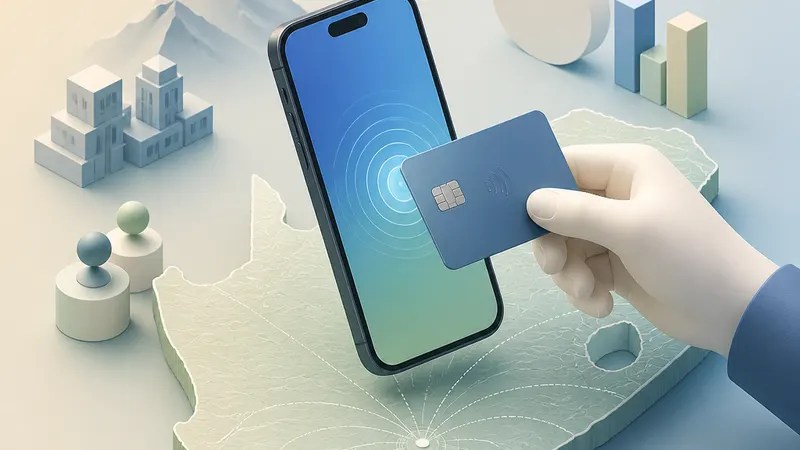
With Apple Tap to Pay, an iPhone can act as a payment acceptance device. In plain terms, that means a seller can take a tap payment on the phone they already use, instead of relying on a separate card reader.
According to Apple, the feature is now available in South Africa. The company says businesses can use it to accept in-person, contactless payments through supported iPhone apps.
This is part of the broader shift toward South Africa mobile payments, where phones are doing more of the work once handled by dedicated hardware.
For customers, the experience should feel familiar. They simply tap a contactless card or a phone wallet near the merchant’s iPhone to pay.
How Tap to Pay on iPhone works
Apple says the feature allows merchants to accept payments from:
- Contactless credit and debit cards
- Apple Pay
- Other digital wallets
The payment is processed using NFC, or near-field communication, the short-range wireless technology that powers tap-to-pay transactions.
The key point is that the merchant does not need additional hardware to accept payment. Instead, a supported iPhone and a partner app handle the transaction.
Apple also says Tap to Pay on iPhone uses the iPhone’s built-in security and privacy features. The company states that Apple does not know what is being purchased or who is buying it.
Who can use it
This launch is mainly about businesses, not person-to-person transfers.
Apple says merchants in South Africa can access the feature through participating payment platforms and app developers. The company named these launch partners:
- Adumo
- Nedbank
- Network International
- iKhokha
- Payfast by Network
- Yoco
That means business users will likely need to work through one of those providers to start accepting iPhone contactless payments.
Apple also says Tap to Pay on iPhone works on iPhone XS and later, using the latest version of iOS.
Why this could matter for small businesses
For many merchants, especially smaller ones, the appeal is convenience.
A separate card terminal adds another device to carry, charge, and manage. With Tap to Pay on iPhone South Africa, an iPhone may be enough for taking payments in a shop, at a market stall, during deliveries, or while providing services on the go.
This may be especially useful for businesses that want a simpler setup for in-person payments. It could also help new sellers start accepting card payments through tools they already use.
Apple’s announcement focuses on business acceptance, so availability to individual merchants will depend on which payment providers support it and how they roll it out in their apps.
Security and privacy features Apple highlighted
Apple says Tap to Pay on iPhone is designed with privacy in mind.
The company states that all transactions are encrypted, meaning payment data is scrambled so others cannot easily read it. Apple also says it does not store card numbers on Apple servers or on the iPhone itself in a way that would expose them during the process.
For general readers, the practical meaning is that the feature is meant to work with the same kind of secure tap-payment technology people already use in stores.
What users should know before expecting to use it everywhere
Even though the launch is official, that does not mean every store in South Africa will suddenly support it.
Availability will depend on whether a business uses one of the supported payment partners and has enabled the feature in its payment app. Some merchants may adopt it quickly, while others may continue using traditional card machines.
Consumers also do not need a special new habit to use it. If they already pay with a contactless card or mobile wallet, the process should be similar.
Final takeaway
The arrival of Apple payments South Africa through Tap to Pay on iPhone is less about changing how customers pay and more about changing how businesses accept payments.
For shoppers, it may simply mean tapping a card or phone against a merchant’s iPhone instead of a payment terminal. For businesses, especially smaller ones, it could offer a more flexible way to handle in-person transactions.
If adoption grows through Apple’s launch partners, Tap to Pay on iPhone may become a more common sight across South Africa’s payment landscape.
FAQs
Do I need Apple Pay to use Tap to Pay on iPhone?
No. Apple says merchants can accept contactless credit and debit cards, Apple Pay, and other digital wallets.
Is Tap to Pay on iPhone for shoppers or businesses?
It is mainly for businesses. The feature lets merchants accept contactless payments on an iPhone through supported payment apps.
Do merchants need extra hardware?
Apple says no separate payment terminal is needed. A supported iPhone and a participating payment app are required.
Sources
Internal link suggestions
- Link to a guide explaining how contactless card payments work
- Link to coverage of Apple Pay availability and supported banks in South Africa
- Link to a small business payments explainer comparing card machines, QR payments, and phone-based payment tools

